Guide
What to Put on a Wedding Website
A section-by-section checklist of what to put on a wedding website — essentials, useful extras and what you can skip — written for a one-page invitation.
A wedding website is a guest tool, not a scrapbook
Most couples search “what to put on a wedding website” and get a list of tabs: story, party, registry, travel. Guests do not browse that way. They open a link on a phone, look for four facts, and leave if those facts are buried.
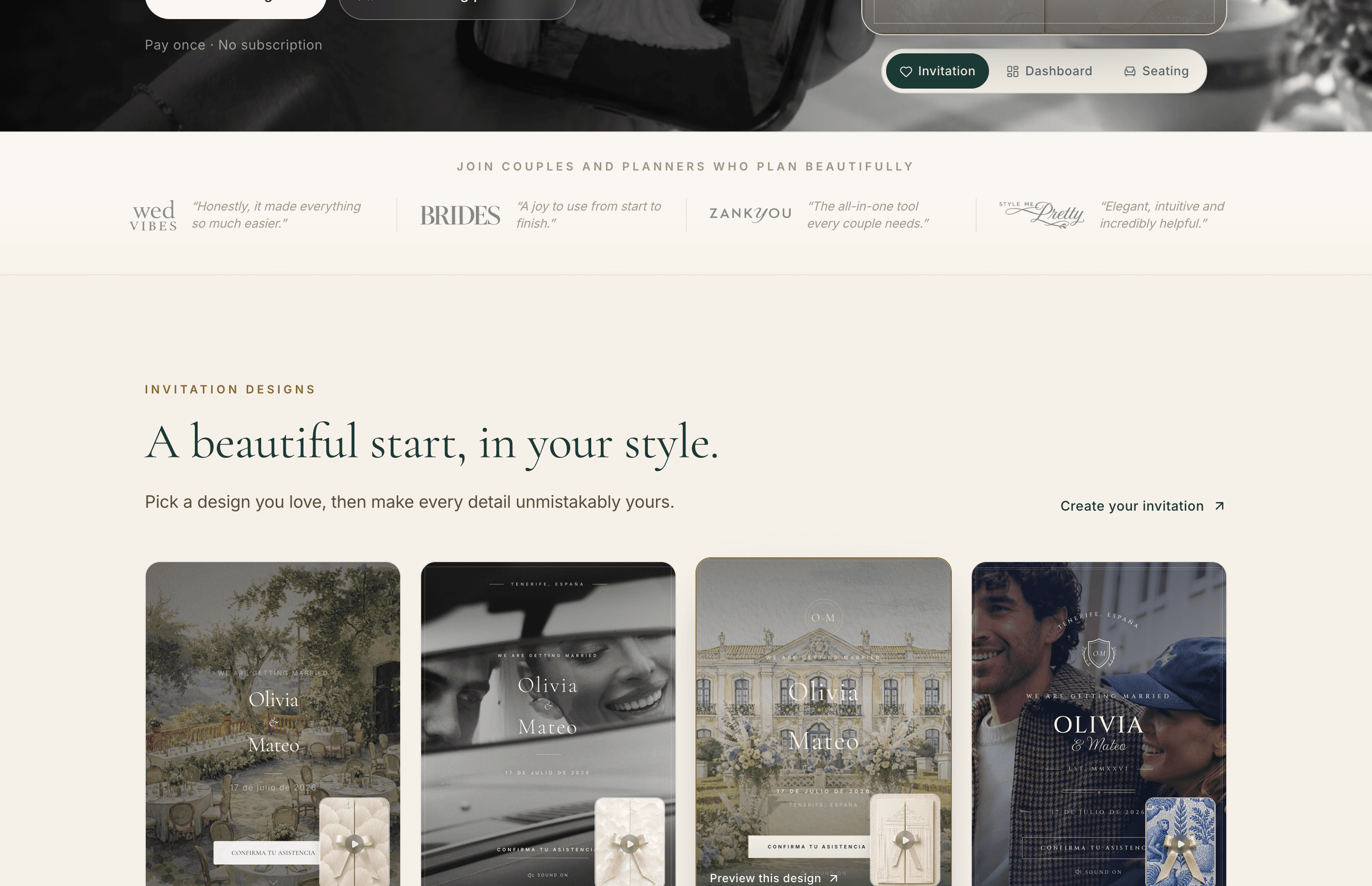
On The Wedy the website is the invitation: one scrollable page with sections you turn on or off. This guide is an inventory of those sections — what must be there, what earns its space, and what you can leave unpublished until the answer is real. It is not a copy bank. For sentences you can paste, use the wording examples. For a shorter invitation-content checklist, see what to include in a digital wedding invitation.
It is one page, not a menu of tabs
The Wedy invitation has a fixed set of guest sections: hero, countdown, welcome, details, schedule, location, dress code, accommodation, gifts, RSVP, FAQ and footer. You can add a custom block if something does not fit those labels. You cannot hide the day behind five navigation items.
That constraint is useful. If a fact does not belong in one of those blocks, it probably does not belong on the guest page. Put vendor cues, mood boards and internal notes somewhere else.
Need the sentences themselves? See wedding website wording examples. This page is only about what each section is for.

What every wedding website must have
If a guest cannot answer these questions after ten seconds, the page is not ready to send.
- Who is getting married — full names as you want them seen
- The date, including the year
- Where the ceremony is, and at what time
- Where the reception is, and at what time, if it is a different place
- How to RSVP, and by when
On The Wedy those facts live in the hero, the details and location sections, and the RSVP block. Names, date and a city or venue should be readable before anyone scrolls. The RSVP heading defaults to “Confirm attendance” and “Please confirm your attendance.” Change the tone if you need to. Do not hide the form.
Publish these before you share the link
- Couple names, spelled as guests should see them
- Wedding date with the year
- Ceremony venue name and address
- Reception venue name and address, if different
- Start times for ceremony and reception
- A working RSVP with a visible deadline
Sections that stop the usual messages
Once the essentials are live, add the blocks that replace the questions you are already answering in WhatsApp.
- Welcome — two or three sentences. Tone, not a memoir. The Wedy section is labelled Welcome.
- Schedule — arrival, ceremony, cocktail, dinner, and any later event the whole guest list is invited to. Time, name, one optional line. Not the photographer’s cue sheet.
- Dress code — a named level plus one concrete picture. Formal / Black Tie is the product default. Rewrite it if your day is not that.
- Location — map or navigation, parking if it is confusing, and which door to use if the venue has more than one.
A local Saturday lunch can stop there. Guests who already know the city do not need a travel essay.

Practical blocks guests use later
These sections earn their space when people are travelling, staying overnight, or already asking the same operational questions.
- Accommodation — hotel names, a neighbourhood, a booking note or code. The Wedy block holds more than one hotel, with distance notes if you have them.
- Gifts — a clear line. Presence is enough, a registry, or a contribution. The product default says presence is the best gift and can hide an IBAN behind “show IBAN”. Do not put bank details in the first paragraph.
- FAQ — question and answer pairs, not a second essay. The defaults cover dress code, ceremony and reception, transport, and the RSVP date. Replace them with questions you have already answered twice.
If the FAQ list is the hard part, see wedding website FAQ questions and wording, or start from the four sample questions already on the invitation: dress code, ceremony and reception, transport, and the RSVP date.
What you can leave off
Every extra block is a decision. The Wedy lets you disable a section instead of filling it with “coming soon”. Use that.
- Countdown — optional. Nice on a save-the-date. Not required for RSVPs.
- A long love story — only if you want it. Guests did not open the link for a memoir.
- Hashtags, colour palettes and mood boards.
- Internal vendor times that guests cannot act on.
- A custom section for something nobody has asked about.
- A second language on day one. The Wedding Invitation plan is one language. A second language is an add-on. Add it when you need it, not because it looks complete.
Do not publish placeholder hotels or a reception time you will change. Leave the section off until the fact is stable.
Local Saturday vs destination weekend
The same product sections serve both weddings. The difference is which ones you turn on, and how much operational detail you put in location, accommodation and FAQ.
What to turn on
| Comparison | Local Saturday | Destination weekend |
|---|---|---|
| Hero, details, RSVP | Required | Required |
| Welcome | Short tone-setter | Say the weekend has more than one event |
| Schedule | Ceremony to dinner | Friday, Saturday and Sunday if guests are invited |
| Location | Address and parking if needed | Airports, trains, taxis, transfers |
| Accommodation | Skip if everyone is local | Hotels, areas and a booking note |
| FAQ | Dress code and children if asked | Travel, buses, children, plus-ones, RSVP date |
| Gifts | One line if you need it | One line if you need it — same rule |
A sensible order on the page
The default The Wedy order is already guest-shaped: hero, countdown, welcome, details, schedule, location, dress code, hotels, gifts, RSVP, FAQ, footer. Keep that unless you have a reason. Guests should hit facts, then the day, then how to get there, then how to reply.
- Hero — names, date, place, RSVP button
- Welcome — three sentences at most
- Details and schedule — the day itself
- Location, dress code, hotels — how to arrive
- Gifts — after the day is clear, never first
- RSVP — visible, with a deadline
- FAQ — the leftovers you are tired of typing

What you can add after the first send
A digital invitation can go out before every hotel is booked. Guests need the date, the venues and a way to reply. The rest can arrive as you confirm it.
- Final dinner time, if the ceremony time is already clear
- Hotel room blocks, once they exist
- A weekend schedule, once Friday and Sunday are real
- Meal choices on the RSVP, once catering is decided
- A second language
Tell close family the link may gain a hotel block later. Do not tell the whole guest list that “details are coming” if the missing piece is only a playlist.
Wedding website checklist
- Names, date and year on the first screen
- Ceremony and reception venues with times
- RSVP form with a deadline
- Welcome of two or three sentences
- A guest-facing schedule
- Dress code in plain language
- Map or address guests can tap
- Hotels only when bookings are open
- Gifts in one honest line, if you need them
- FAQs you have already answered twice
- Nothing marked TBC
Frequently asked questions
What should I put on a wedding website?
Names, date, venues, times and how to RSVP. Then a short welcome, a schedule, travel or parking if it helps, dress code, hotels if people are staying over, a gift line if you need one, and FAQs you are already answering.
Is a wedding website different from a digital invitation on The Wedy?
No. The invitation is the guest-facing website: one designed page. You turn sections on or off instead of building separate tabs.
What can I leave off a wedding website?
Countdowns, long love stories, hashtags, mood boards, placeholder hotels and any section you would have to mark TBC. Disable the block until the answer is real.
Do I need hotels and travel on a local wedding website?
Usually no. Add accommodation and transport when guests are flying in, staying overnight, or already asking where to book.
When should I publish the wedding website?
When names, date, venues and RSVP are correct. You can add schedule, hotels and FAQs later. Do not send a link that is only a pretty hero.
Can the website be in two languages?
Yes. The Wedy invitations can run in two languages. The Wedding Invitation plan includes one language; a second language is an add-on.
Continue reading
Related stories
What to Include in a Digital Wedding Invitation
A practical checklist of what guests need on a digital wedding invitation — the essentials, useful extras, RSVP questions and what you can add later.
Wedding Website Wording Examples You Can Copy
Copy wedding website wording for the welcome, schedule, travel, dress code, hotels, gifts and FAQs — written for a phone-first invitation.
Wedding Website FAQ: Questions and Wording Examples
Copy wedding website FAQ questions and answers for children, plus-ones, dress code, parking, transport, hotels, gifts and the RSVP deadline.

How to Create a Digital Wedding Invitation in 10 Minutes
Create a professionally designed digital wedding invitation in minutes, collect RSVPs and keep using the same guest list when it is time to organise the seating plan.