Guide
How to announce your wedding date before the invitation
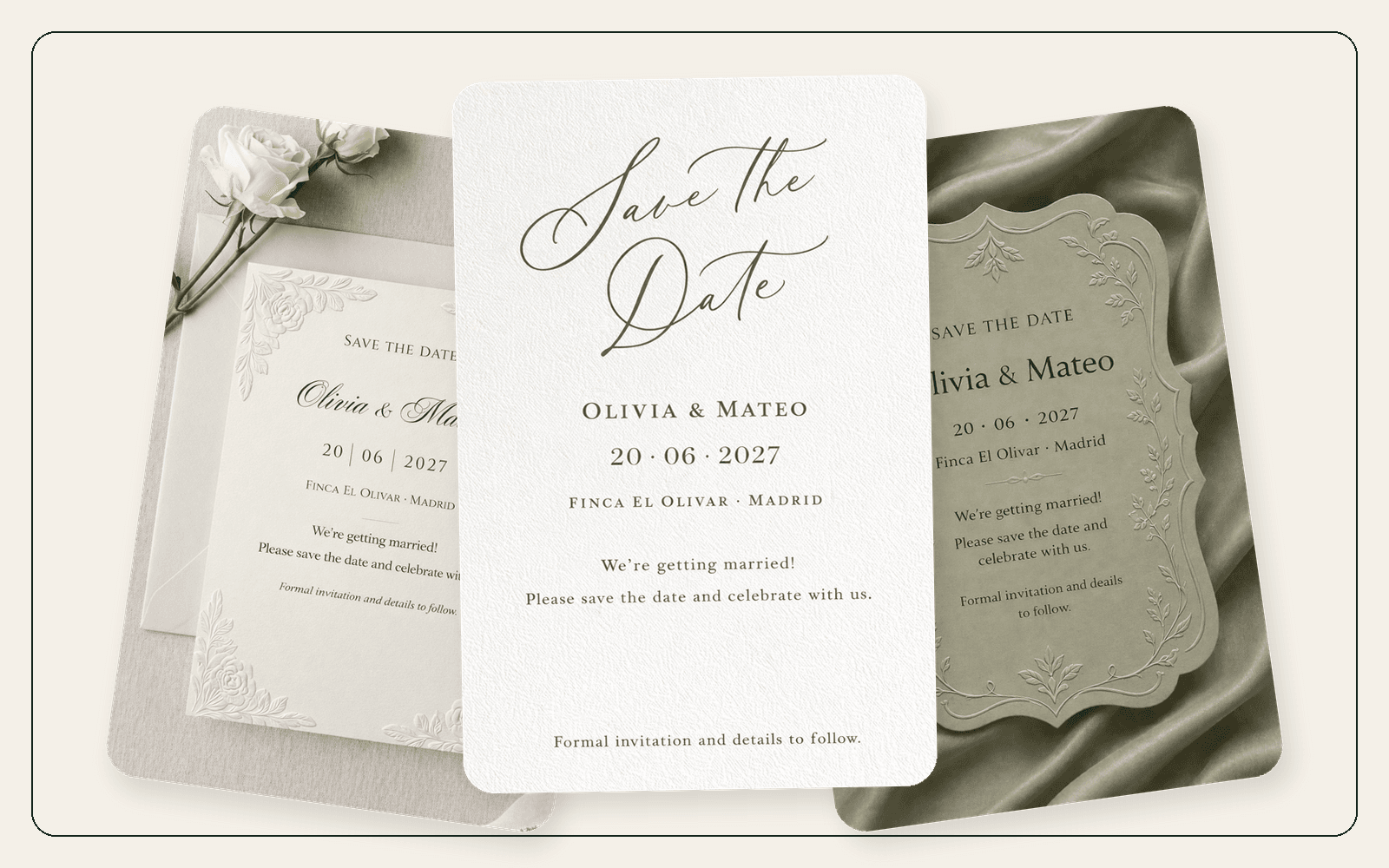
A Save the Date is the early wedding announcement — not the invitation. Here is what belongs on it, when to send it, and how to make one from a template.
The announcement that happens before the invitation
A Save the Date is the first public signal that a wedding is happening. It is not the invitation. It is the early notice that lets guests protect a weekend, book flights and stop saying “maybe” to other plans.
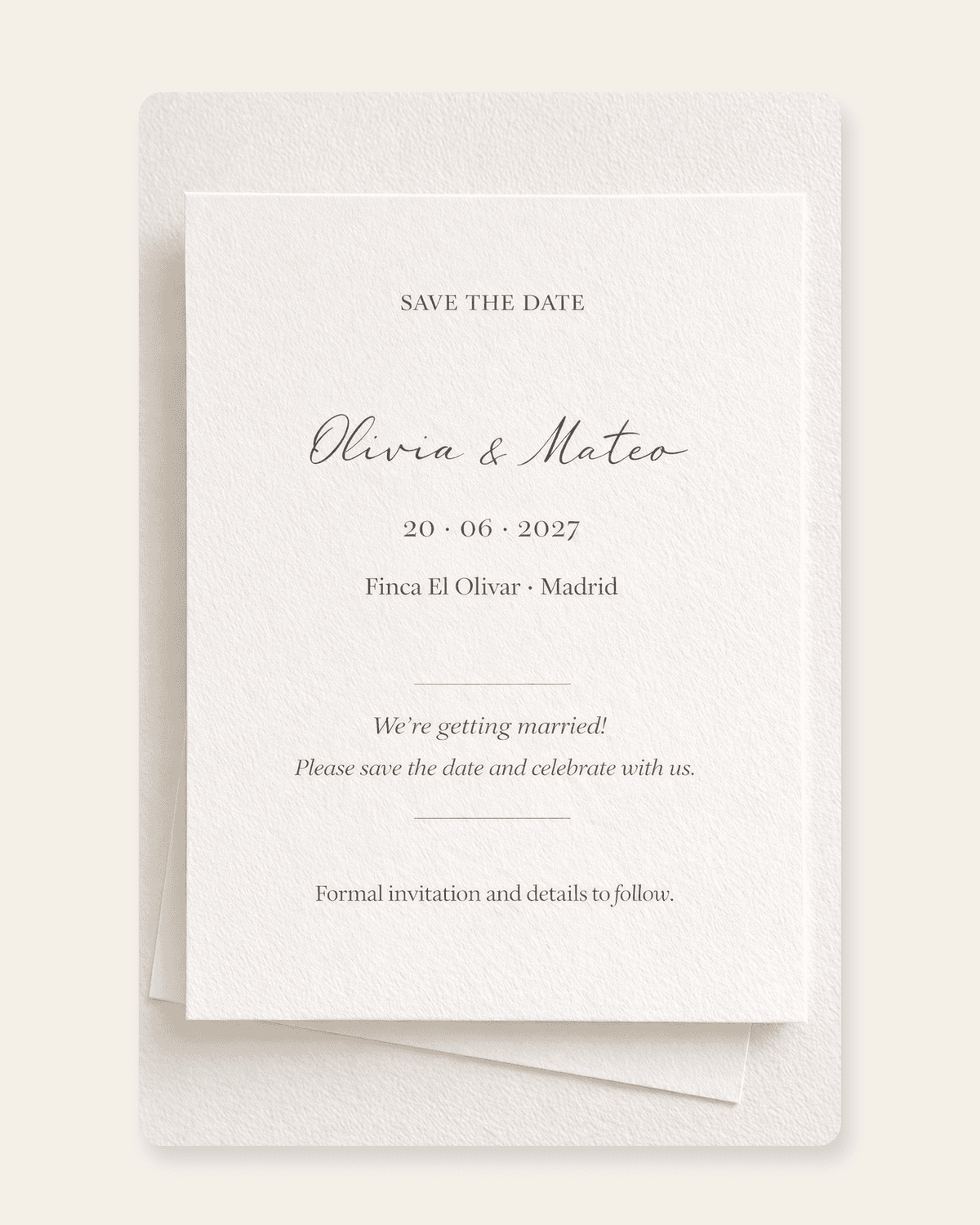
The fastest way to send one is to start from a designed template. On The Wedy those templates are free: add your names and date, then download an image or share a link. This guide covers what a Save the Date is for, why it helps, and how to keep it elegant instead of incomplete.
What a Save the Date actually is
A Save the Date is a short wedding announcement. It tells people the couple, the date and usually the city. Formal details — ceremony time, dress code, RSVP, hotels — come later on the invitation.
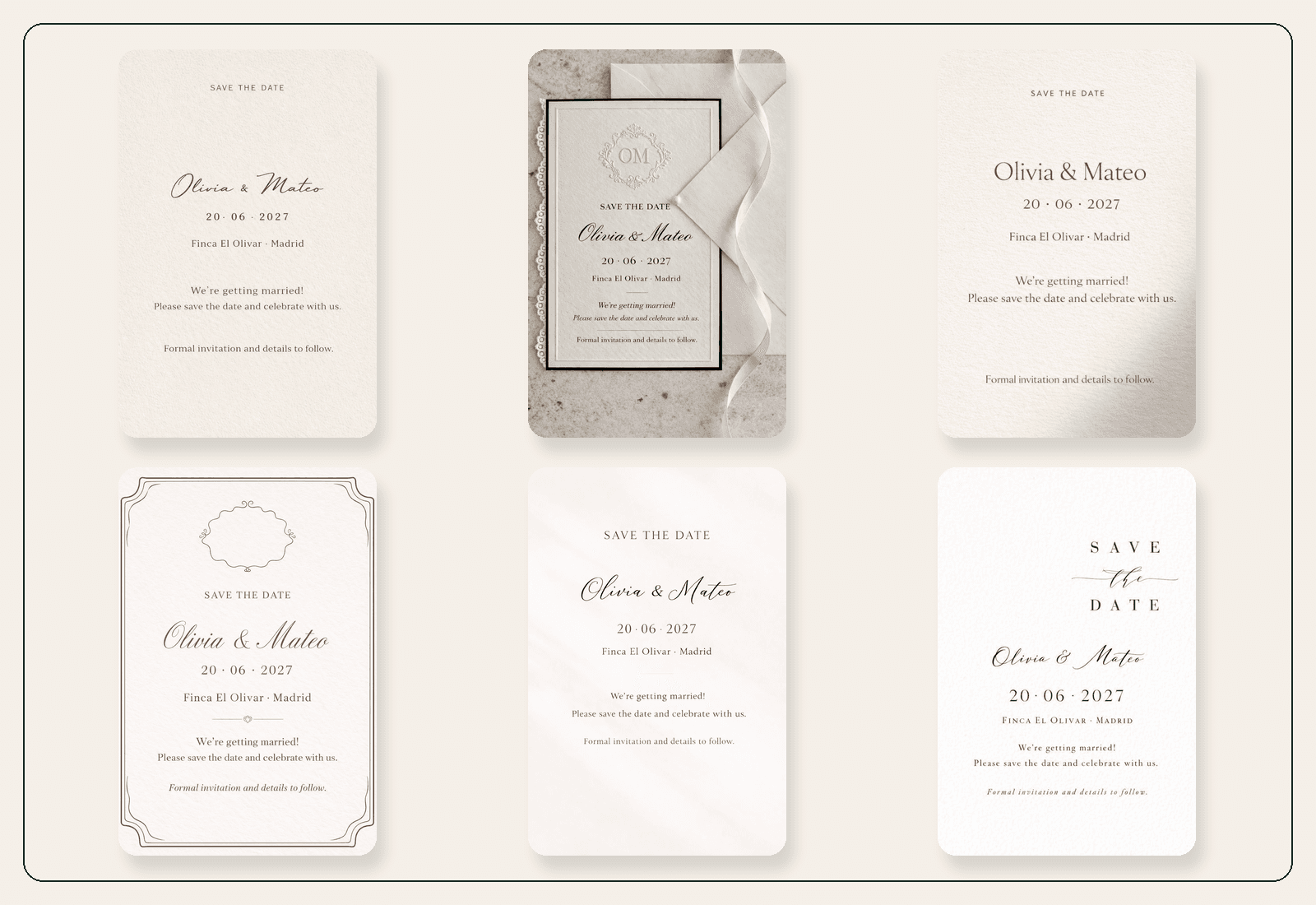
A template is the designed starting point. The composition, typography, palette and decorative work are already decided. You add the facts that belong to your wedding. That is why a ready-made card works well for couples who want something polished without opening a blank design file.
A good template usually gives you:
- A finished visual style that already feels like stationery
- Space for names, date, location and a short personal line
- A downloadable image for messages and social posts
- A hosted link, if you want guests to open a beautiful page instead of a compressed chat photo
The Wedy collection is built for that first announcement: artist-designed cards you can personalise, download as a high-quality PNG, or share with one elegant link. The account is free and does not ask for card details.
Why a Save the Date is useful
The invitation asks guests to reply. The Save the Date asks them to keep the day free. Those are different jobs, and mixing them too early creates confusion.
Couples send a Save the Date because:
- Destination guests need months to book flights and hotels
- Local guests still need the date before summer, Christmas or school holidays fill up
- The venue, menu or exact schedule may not be ready, but the date is
- A beautiful first announcement sets the tone for the later invitation
- Digital sharing reaches people faster than waiting for a printer and a stamp
This is especially useful when the guest list is spread across cities or countries. A short, clear card in June can protect a wedding in May of the following year. Waiting until the formal invitation is finished often means guests have already committed to something else.
“A Save the Date is not a smaller invitation. It is an early promise: this is the day, more details will follow.”
Save the Date vs wedding invitation
If guests cannot tell which one they received, the Save the Date tried to do too much. Keep the first card short and the invitation complete.
What belongs where
| Comparison | Save the Date | Wedding invitation |
|---|---|---|
| Purpose | Protect the date | Give guests everything they need to decide, arrive and reply |
| Must include | Names, date, city or region, “invitation to follow” | Names, date, venues, times, RSVP and deadline |
| Useful extras | A short personal line, a hosted link | Schedule, map, dress code, travel, hotels, FAQs |
| Leave off | RSVP, dress code, gift notes, unconfirmed details | Internal planning notes and unconfirmed times presented as final |
| When to send | Once the date and city are certain | When guests can actually RSVP and plan the day |
What to put on a Save the Date — and what to leave off
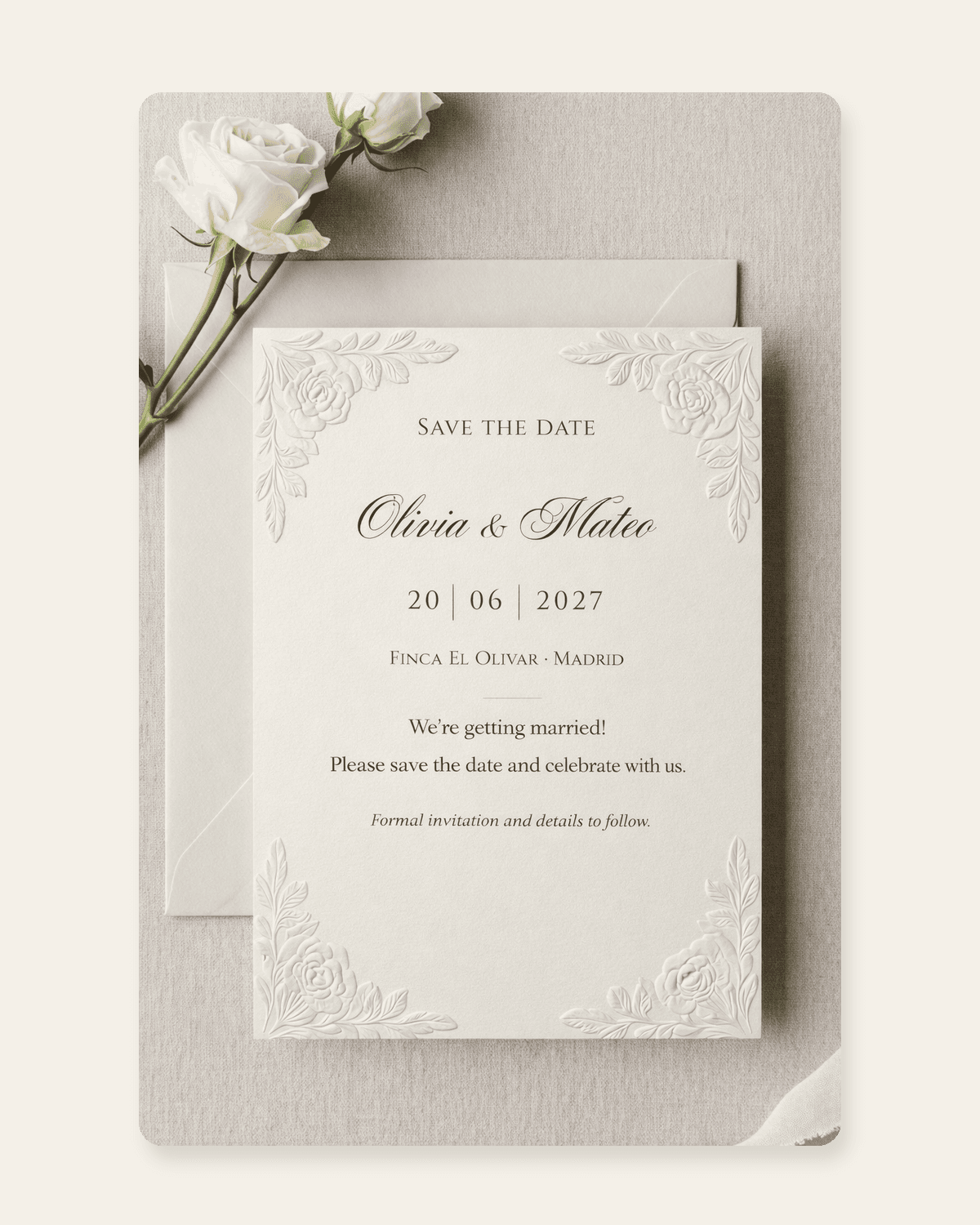
The card should answer three questions in a few seconds: who is getting married, when, and where in the world. Everything else can wait.
Write the date in words, not only numbers. “20 June 2027” is clear in every country. “06/20/27” is not. If guests are travelling, add the city even when the venue is still private or unconfirmed.
Include these
- Couple names, spelled as you want guests to see them
- Wedding date, including the year, written in words
- City or region — add the venue only if it is confirmed
- A short line such as “Invitation to follow”
- An optional personal sentence, if it still fits the design
Leave these for the invitation
- RSVP questions or a reply deadline
- Dress code
- Ceremony and reception times
- Gift registry or contribution notes
- Hotel blocks that are still being negotiated
- Plus-one rules
- A full weekend schedule
Best practices for sending Save the Dates
Most Save the Date mistakes are timing and clutter, not design. A simple card sent at the right moment is more useful than a decorated one that arrives after guests have booked something else.
When to send
Send once the date and city are certain. Do not wait for the menu, the playlist or the final table plan.
A practical timing guide
- Destination or multi-city guest list: 9 to 12 months before
- Mostly local wedding: 6 to 8 months before
- Peak-season Saturday or a holiday weekend: closer to the longer end
- If a large group needs visas or school-holiday leave, send as soon as the date is booked
How to choose a template
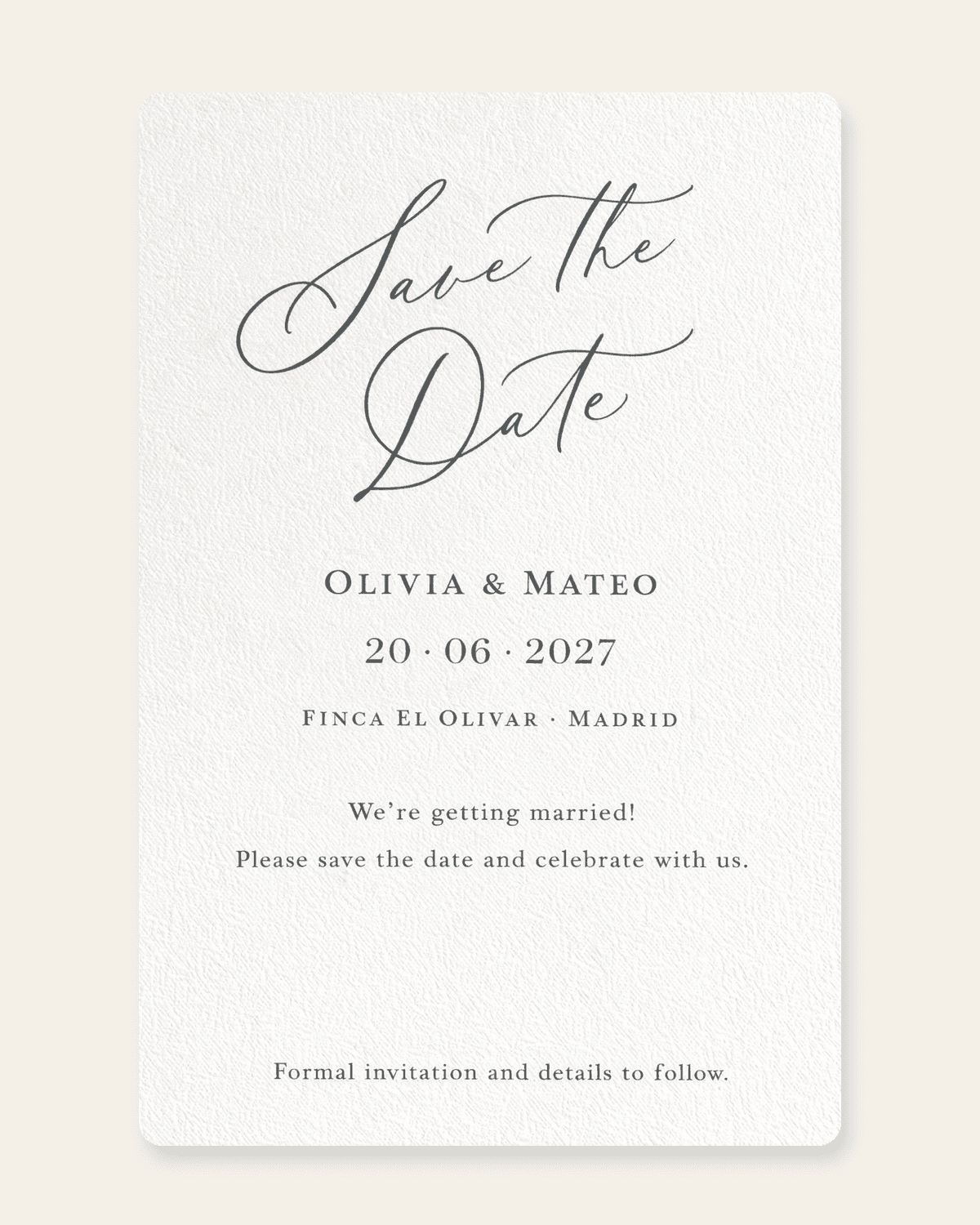
Pick a style you can live with for the rest of the wedding stationery. The Save the Date is the first time guests see your visual language. A coastal, formal, garden or contemporary look should still feel related when the invitation arrives later.
Choose for mood, not for every decorative detail. Names should stay readable. The date should be the second thing the eye finds after the names. If a design is beautiful but hides the day, it is the wrong template.
How to share it
Digital Save the Dates work because guests already live in messages. Send the image in WhatsApp, iMessage or email, or share the hosted link when you want a cleaner page than a compressed chat photo.
A hybrid approach is often the kindest: digital for most of the list, a printed card or a simple image for relatives who do not live in group chats. The announcement should reach people, not prove a format.
Sharing habits that keep things calm
- Send to the real guest list, not to everyone who congratulated you
- Use one image or one link, not five slightly different versions
- Check names, date and city before anyone else sees them
- Tell close family first if they should hear the date from you, not from a group chat
- Keep a copy of who received it — that list becomes the invitation list
How to make yours
You do not need design software. With The Wedy, the visual work is already in the template. Your job is to choose a style and confirm the facts.
From template to sent announcement
- 01
Pick a design
Open the Save the Date gallery and pick a design that feels like your wedding. Hover a card to see the artwork without sample text.
- 02
Add the wedding facts
Enter your names, date, location and a short message. Use only details you are sure about. If the venue is not confirmed, write the city.
- 03
Review every word
Read the names, date and city out loud. A free account includes one AI generation, so this is the moment to catch a spelling or date error.
- 04
Download or share
Save a high-quality PNG for messages and social posts, or create a hosted link guests can open on their phone.
- 05
Keep the same wedding moving
When the guest details are ready, the same workspace can become the digital invitation, RSVP list and later the seating plan.
Mistakes that make a Save the Date feel unfinished
These are the problems that create extra messages or a second announcement you did not want to send.
- Sending too late. If guests already booked a holiday, the card is only pretty.
- Asking for an RSVP. People will reply, ignore it, or assume they are confirmed. None of those outcomes help.
- Using a numeric date that reads differently in the US and Europe.
- Naming a venue that is not booked. A city is enough. A cancelled venue is a correction email.
- Cramming dress code, gifts and a weekend timetable onto a card that should stay short.
- Choosing a style you will abandon. The invitation should feel like the next chapter, not a different wedding.
- Publishing before you check spelling. Names and dates do not get a second first impression.
After guests save the date
The Save the Date does its job when the weekend is protected. The next artefact is the invitation: venues, times, practical notes and a real RSVP.
If you stay in the same digital workspace, you do not start again. The couple details, the date and the people who received the announcement can become the guest list you later use for replies and seating.
That is the quiet advantage of a free digital template over a one-off Canva export. The announcement can lead somewhere: a designed invitation, structured RSVPs and a seating plan that uses the same names.
Frequently asked questions
What is a Save the Date template?
A designed starting point for the wedding announcement. The visual style is already finished. You add your names, date, location and a short message, then download or share the card. It is not the formal invitation.
Are The Wedy templates really free?
Yes. You can choose a design, personalise it and download the finished Save the Date with a free account. No card details are required.
When should we send Save the Dates?
Once the date and city are certain. Destination weddings usually need 9 to 12 months. Mostly local weddings are comfortable at 6 to 8 months. Peak-season or holiday weekends should go out earlier.
What should a Save the Date include?
Couple names, the wedding date written in words with the year, the city or region, and a line that the invitation will follow. Add the venue only if it is confirmed.
Should a Save the Date include an RSVP?
No. Asking people to reply before they have venues, times or a deadline creates messy answers. Collect RSVPs on the invitation.
Is a digital Save the Date enough, or do we need printed cards?
Digital is enough for most guest lists. Print a small run or send a simple image to relatives who do not use group chats. The announcement should reach people; it does not have to be one format.
Can we download and share the design?
Yes. Download a high-quality PNG to send in messages or post online, or share a hosted link that opens as a clean page on a phone.
Can the same style continue into the wedding invitation?
That is the better path. Choose a Save the Date mood you can carry into the invitation, then add venues, times, practical notes and RSVP fields when those details are ready.
Continue reading
Related stories
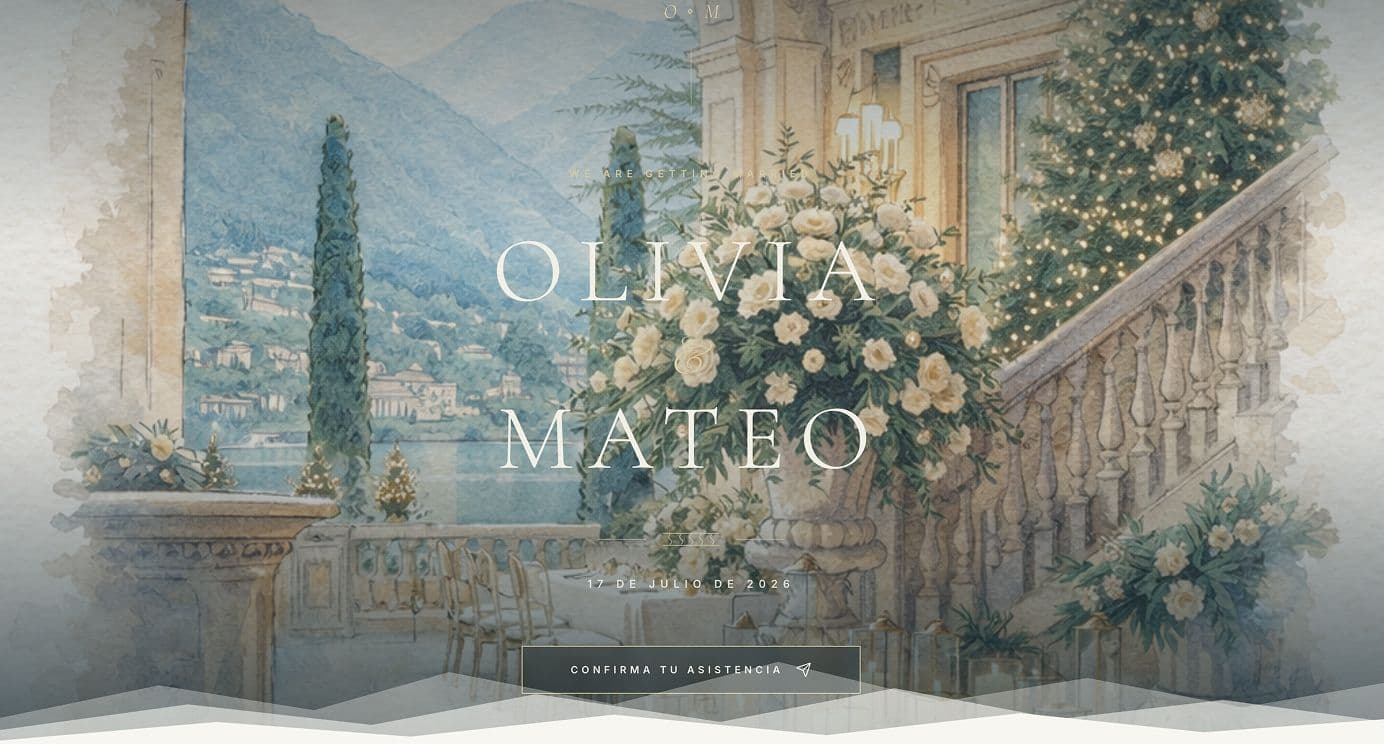
How to Create a Digital Wedding Invitation in 10 Minutes
Create a professionally designed digital wedding invitation in minutes, collect RSVPs and keep using the same guest list when it is time to organise the seating plan.
What to Include in a Digital Wedding Invitation
A practical checklist of what guests need on a digital wedding invitation — the essentials, useful extras, RSVP questions and what you can add later.
Digital vs Paper Wedding Invitations: Cost, RSVP Rate and Seating Impact
Compare digital and paper wedding invitations on real cost, how fast guests RSVP, and what that choice means for your seating plan later.