
Guía
How to Create Wedding Place Cards (With Free Templates)
A practical guide to wedding place cards: what to print at each setting, how they connect to your seating plan, and how The Wedy creates every guest name from your list.
Every seat needs a name
Place cards are small, but they do a big job on the day. They tell each guest where to sit, keep family politics off the welcome table, and make a long room feel finished before anyone picks up a fork.
The hard part is not the design — it is the volume. A wedding with 120 confirmed guests means 120 names that have to be spelled correctly, printed at the same size, and ready before the caterer sets the tables. This guide covers what place cards are for, when to print them, how to choose a design that matches your stationery, and how The Wedy builds every card from the guest list you already collected.
What wedding place cards are for
A place card is the printed name at each setting. It is not a menu, not a table number, and not a second invitation. Its job is simple: show the guest their name, in a typeface and colour that matches the rest of the room.
On the day, place cards help with three things:
- Seating — guests find their chair without asking the planner or the couple
- Spelling — long names, accents and hyphenated surnames are visible before anyone is rushed
- Tone — the table looks considered, even if the meal is buffet or family-style
If you already assigned seats in a seating plan, the card is the physical version of that assignment. If guests choose their own seats, you may not need printed cards at all — though many couples still print them for a formal dinner.
Place cards, table numbers and escort cards
These three pieces are often confused. They solve different problems and you do not always need all of them.
Which piece does what
| Comparison | Piece | What guests see | When you need it |
|---|---|---|---|
| Place card | Their name at their seat | Assigned seating at lunch or dinner — the usual choice for a plated meal | |
| Table number | A number on the table (or on a stand) | When guests find a table first, then choose a chair — common with large rooms | |
| Escort card | Name plus table number on a card at the entrance | When you want a receiving line or a staffed welcome table to direct guests |
The Wedy seating plan can export table numbers and a QR code so guests find their table from their phone. Place cards are the printed names once they sit down. Many weddings use both: a table number in the centre and a name card at each plate.
When to print place cards
Print after the guest list is stable and, if you are assigning seats, after the seating plan is approved. Names that change on the RSVP after you export will need a reprint — or a handwritten correction on the day.
A practical timeline:
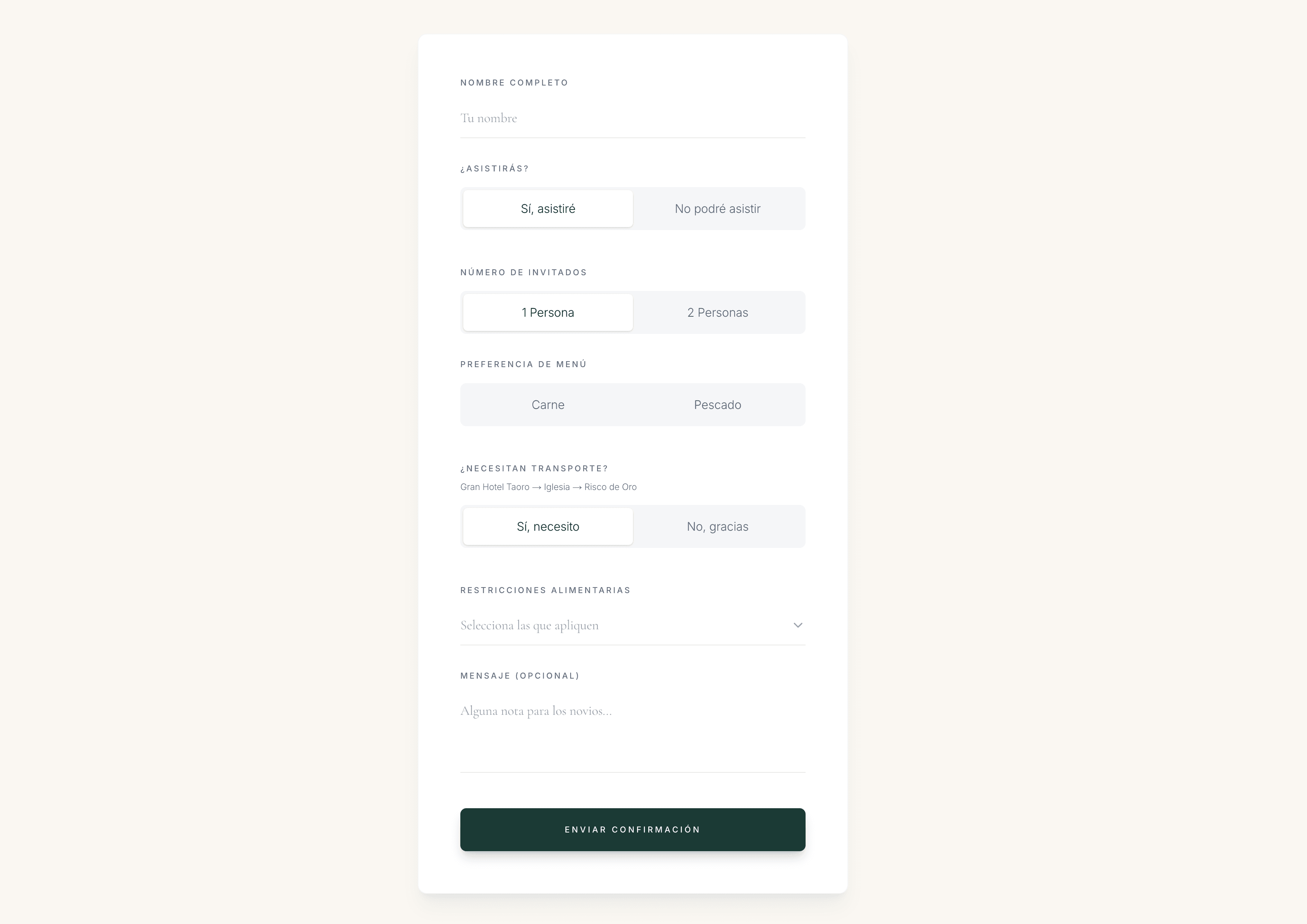
- Collect RSVPs and dietary notes on the digital invitation
- Import or confirm the final guest list
- Build the seating plan when you know who is coming
- Choose the place card design and export once spellings are locked
- Print a proof, then the full run one to two weeks before the wedding
If you expect late confirmations, order a few blank extras from the printer or keep the PDF so you can print two or three more names without redoing the whole set.
Before you export
- Every confirmed guest appears on the list with the spelling they prefer
- Plus-ones are named, not just “Guest of …” unless that is intentional
- Seating assignments match the plan you shared with the venue
- You know whether you need one card per guest or one per couple
- The caterer knows whether cards sit on the plate, the napkin, or the charger
The place card collection on The Wedy
The Wedy place cards work differently from “generate 100 AI images”. You choose one professionally prepared background design, set the font and colour, and the product renders every guest name with real typography on that artwork — accurate spelling, consistent sizing, ready to print.
That matters because guest names are not predictable. A model that invents a new image per guest can misspell an accent, shrink a long surname, or add decoration you did not ask for. Rendering names on a fixed background keeps the room visually consistent and the names literal.
The collection currently includes nine landscape designs — florals, minimal borders, stripes and classic serif layouts — shown on the public place cards page. All are included once you have a Wedy wedding plan (Wedding Invitation, Wedding Planning Suite or Wedding Atelier).
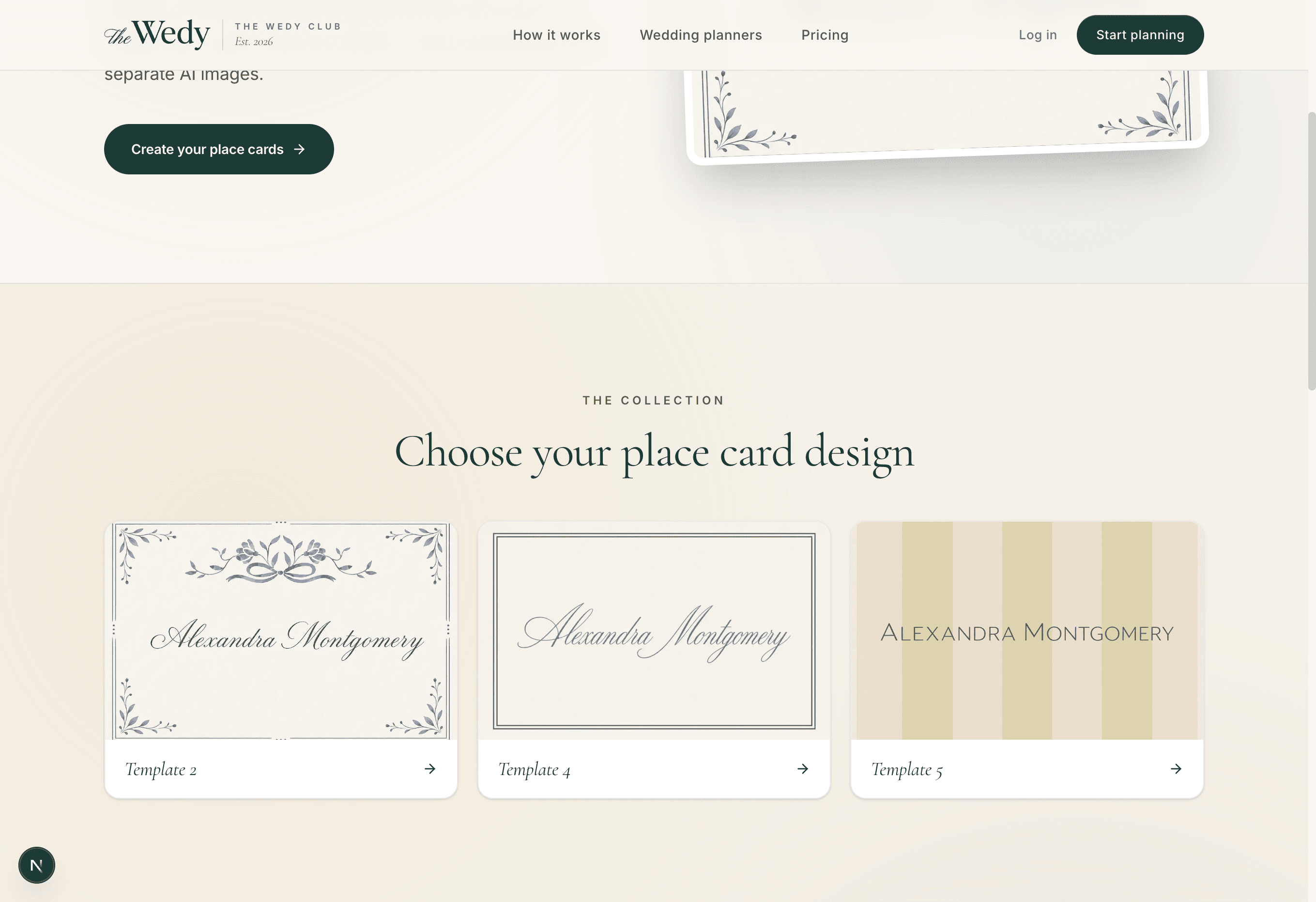
Three starting points in the collection
| Comparison | Look | Best for |
|---|---|---|
| Floral blue border | Soft blue botanical frame with a bow detail and script name | Spring and summer lunches, garden receptions, romantic stationery |
| Minimal double line | Clean white card, thin double border, light script name | City dinners, modern venues, couples who want quiet elegance |
| Vertical stripe | Muted stripe background with centred caps serif name | Formal dinners, hotels, weddings that already use structured stationery |

Choose one design for the whole room
Pick the template the way you picked the invitation: by the room, not by the prettiest thumbnail. A heavy floral card in a minimal glass pavilion will feel loud. A stark modern border in a candlelit ballroom may look underdressed.
A simple decision path:
- Match the invitation palette — cream, navy, sage or gold should echo, not clash
- Match the meal — script suits a long lunch; caps serif suits a formal dinner
- Test one long name and one short name in the preview before you export
- Stay with one design for every guest — mixed cards look like a printing mistake
If the invitation and menu are already in The Wedy, open them beside the place card picker. The goal is stationery that looks like it came from the same table, not three different Pinterest boards.

Personalize font, colour and format
After you choose a background, the workspace lets you set the typography without redesigning the card. There are twenty font options — serifs, scripts and clean sans-serifs — plus a colour picker and a size slider.
You also choose the physical format:
- Flat — artwork at its original height, ready to lay on the plate or slip into a holder
- Folded — double height with a blank upper half, so the name sits on the lower panel when the card stands
Default print size is 3.5 × 2 inches in landscape — a standard place card proportion. The PDF export tiles cards onto A4 with light crop marks so a home printer or stationery shop can run the full list.
Typography checks that prevent reprints
- Preview the longest name in the list, not only “Alexandra Montgomery”
- Accents and hyphenated surnames match the RSVP exactly
- Script fonts stay legible at table distance — bump size if needed
- Text colour contrasts with the background (The Wedy suggests a default per template)
- Folded vs flat matches what your printer or holder expects
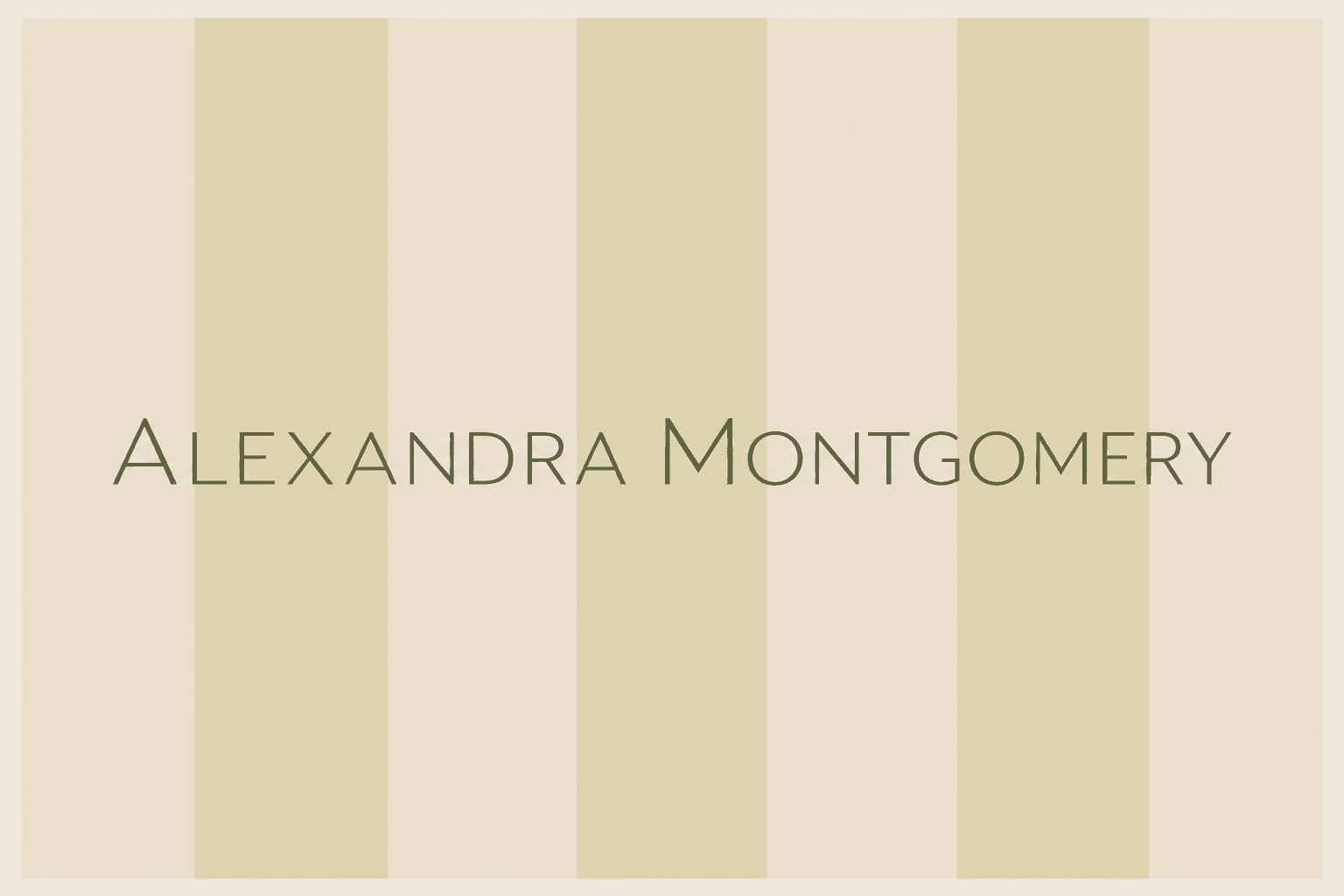
Every guest name from your list
Place cards in The Wedy pull names directly from the wedding guest list — the same list you use for RSVPs and seating. When you export, the product creates one file per guest, sorted alphabetically, with no manual copy-paste down a spreadsheet.
That connection is the main reason to generate cards inside the planning workspace rather than in a generic design tool. Change a spelling on the guest list, export again, and only that card changes. Your seating plan and printed names stay aligned.
Exports support up to 500 guests per wedding. Large lists may take a minute to prepare — the ZIP bundles individual PNGs; the PDF lays out multiple cards per page for batch printing.
Download PNG ZIP or print-ready PDF
Two export formats cover most weddings. Use the one your printer asks for.
Which export to choose
| Comparison | Format | What you get | Best for |
|---|---|---|---|
| PNG ZIP | One high-quality PNG per guest, named for sorting | Professional printers, laser cutting, or couples who want individual files | |
| Multiple cards per A4 page with spacing and crop guides | Home printing, office print shops, quick proofs |
Whichever you choose, print one proof on the actual paper before ordering the full run. Cream stock softens contrast; textured paper can blur fine script. A single proof is cheaper than reprinting 150 cards because the colour shifted.
Print and table setup
Place cards fail in small ways: wrong paper weight, names too small to read from standing height, or cards placed where the caterer clears them with the starter. Solve those before the wedding week.
Print checklist
- One physical proof on the final paper stock
- Count matches confirmed guests plus a handful of extras
- Names readable from standing height at the table edge
- Flat or folded format agreed with the printer
- PDF margins checked if you print at home — no names clipped at the edge
- A backup PDF saved in the cloud in case the venue asks for two more seats
On the table, place cards usually sit above the napkin or on the charger, with the name facing the aisle so guests see it as they approach. If you use chargers or florals that cover small cards, ask the caterer to raise them — legibility beats Instagram symmetry.
Create place cards in The Wedy
Once RSVPs are in and spellings are confirmed, the production step is short.
From guest list to printed cards
- 01
Confirm the guest list
Collect RSVPs on the digital invitation and fix spellings on the guest list. Add plus-ones by name, not placeholder labels.
- 02
Choose a design
Open Place Cards in your wedding project, pick a background from the collection, and preview with a long name from your list.
- 03
Set font, colour and format
Adjust typography, choose flat or folded, and save the design. Every guest will use the same settings.
- 04
Export and print
Download the PNG ZIP or PDF, print one proof, then run the full set for the caterer to place on the tables.
The short version
Lock the guest list first. Choose one design that matches the invitation and room. Set font and colour once. Export when spellings are final. Print a proof. Place cards should make seating effortless — not introduce a new spreadsheet the week of the wedding.
Before you hand files to the printer
- RSVPs closed and names spelled correctly
- Seating plan approved by the venue if seats are assigned
- One design for every guest
- Longest name checked in preview
- Proof printed on real stock
- PDF or ZIP saved for last-minute additions
Preguntas frecuentes
Do I need place cards if I have a seating plan?
If guests choose their own seats, you may not. If seats are assigned — especially at a plated lunch or dinner — place cards remove confusion and keep the room calm. Many couples use both: a digital seating plan for the planner and printed names for guests at the table.
How does The Wedy create a card for every guest?
You pick one background design and typography settings. The product renders each name from your guest list onto that artwork using real fonts — not a separate AI image per guest. That keeps spelling accurate and the room visually consistent.
What size are the cards?
Templates default to 3.5 × 2 inches in landscape — a common place card size. The PDF export tiles cards onto A4 with spacing for home or professional printing.
Can I print flat and folded cards?
Yes. In the workspace you choose flat artwork or a folded layout with a blank upper half for tent-style cards.
Which file format should I download?
Use PNG ZIP if a printer wants individual files or you need to swap one name later. Use PDF if you are printing multiple cards per sheet at home or at a copy shop.
Do I need a Wedy plan to export?
Yes. Export is included with an active wedding plan — Wedding Invitation, Wedding Planning Suite or Wedding Atelier — on the same project as your guest list.
What if a guest confirms late?
Update the name on the guest list and export again, or print only the new cards from the PDF. Keeping the project in The Wedy avoids rebuilding the design in another tool.
Sigue leyendo
Historias relacionadas
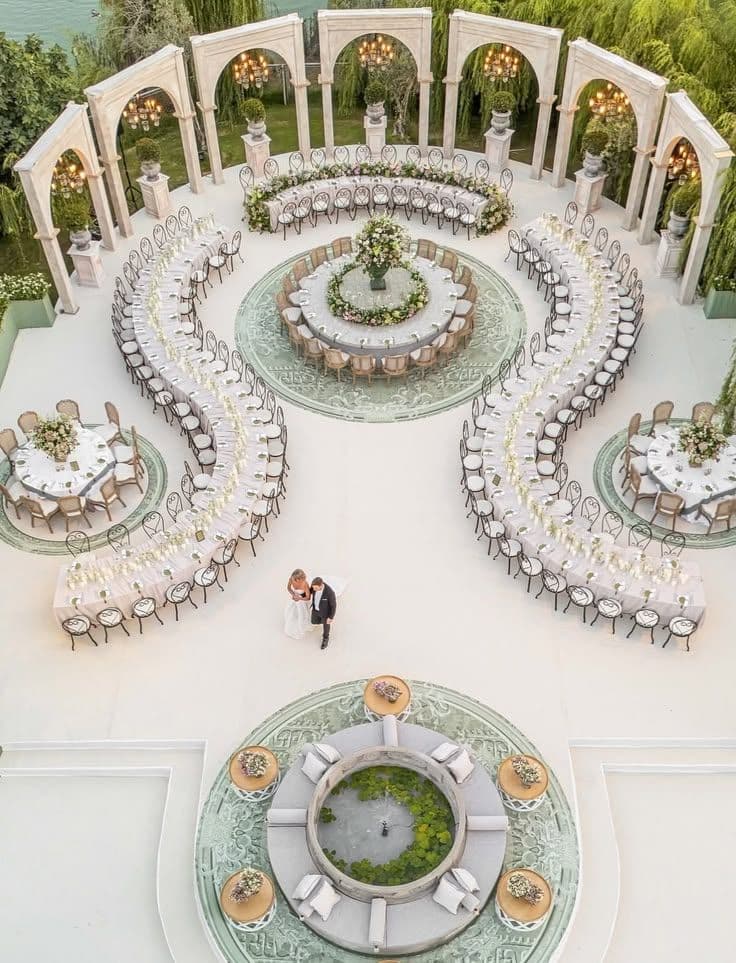
How to Create a Wedding Seating Plan Online Without Losing Your Mind
Creating a wedding seating plan doesn’t have to mean endless spreadsheets, sticky notes and last-minute table changes. Here’s a simpler way to organise your guests and build a seating plan online.
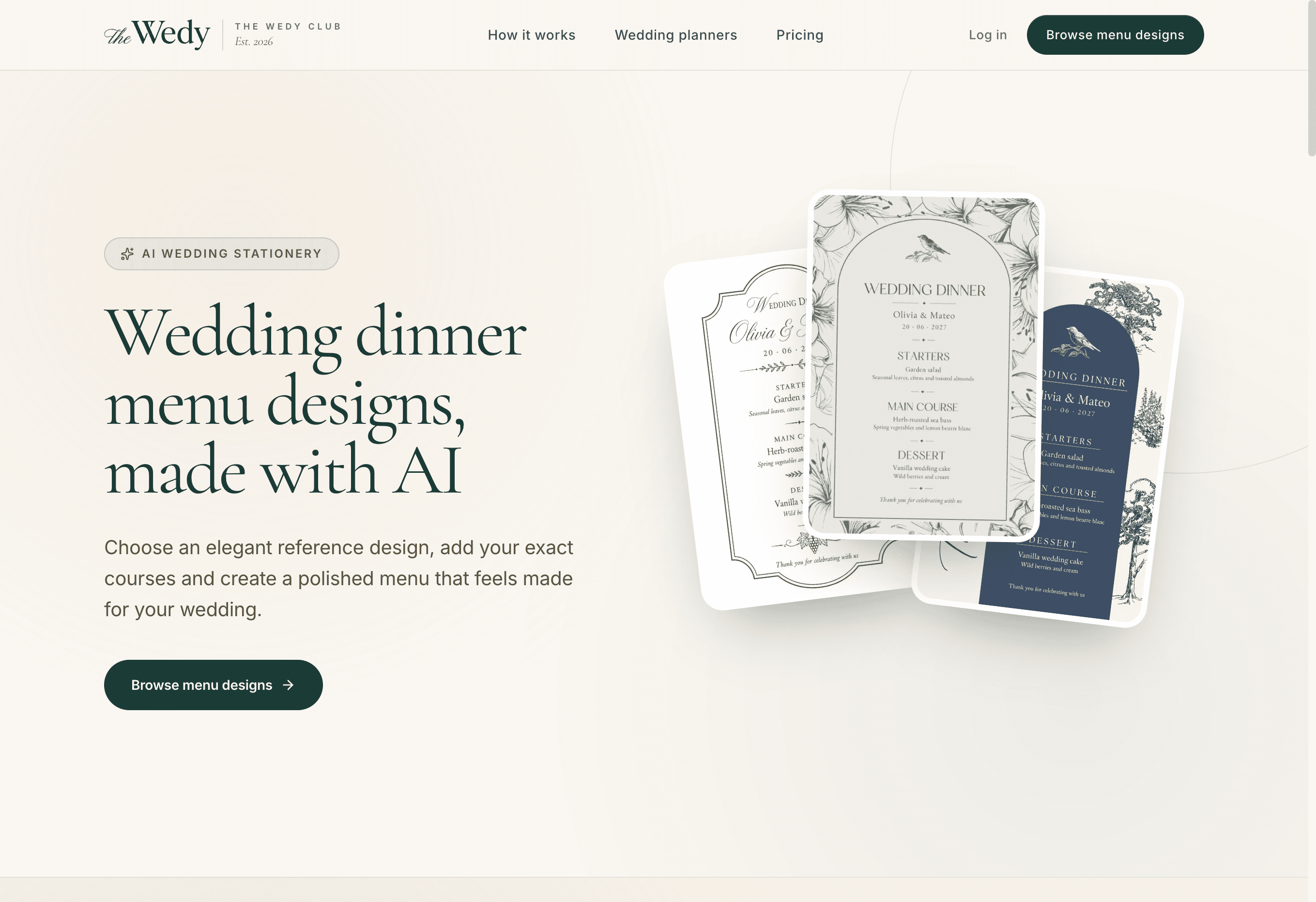
How to Create a Wedding Dinner or Lunch Menu (With Free Templates)
A practical guide to wedding lunch and dinner menus: how to choose the courses, write the card, and use The Wedy’s free templates included on every plan.
How to Collect Wedding RSVPs Online Without Spreadsheets or Group Chats
Collect wedding RSVPs in one place instead of WhatsApp threads and spreadsheets, with structured replies that later become your seating plan.