Guía
How to Use an AI Wedding Seating Planner
Tell The Wedy who belongs together and who needs extra care. The AI seating planner turns those notes into an editable table plan from your real guest list.
The plan should know the people, not just the headcount
Most seating tools ask you to drag names onto circles. That works until the human part starts: university friends who have not seen each other in a decade, a guest who needs step-free access, two sides of the family who are happier with a little air between them.
An AI wedding seating planner is useful when those details become part of the first draft — and stay editable. The Wedy AI Seating Planner works from the confirmed guest list, turns your notes into reviewable seating signals, then proposes tables you can lock, move and place on a floor plan. It does the sorting. It does not take the decisions away from you.
What AI seating is for — and what it is not
AI seating is a first draft with reasons, not a finished room. It is for the hour when you would otherwise copy names between a spreadsheet and a diagram. It is not a substitute for knowing that Elena needs the entrance, or that one table should stay quieter than the rest.
Use it when you want help with:
- Turning a confirmed RSVP list into tables instead of starting from a blank board
- Keeping groups together without seating the whole friendship circle on one overflowing table
- Respecting accessibility, VIPs and “these two should not sit together” without holding it all in your head
- Seeing why a table was proposed, then changing it
Do not use it as a black box. If you cannot explain a table to your mother, the draft is not done. The Wedy shows an explanation and warnings with the proposal for that reason.
A useful AI seating workflow
| Comparison | What the assistant does | What you still do |
|---|---|---|
| Guest data | Reads the confirmed list, meals, plus-ones and notes already in the wedding | Keep the RSVP list honest before you generate |
| Relationships | Turns your written notes into seating signals to review | Approve, edit or ignore each signal. Nothing is saved until you do |
| Tables | Proposes a complete seating plan from those signals | Move people, swap seats, rename tables, lock anyone who must stay |
| The room | Keeps every guest connected to their seat on the floor plan | Place tables around the dance floor, doors and zones that matter |
Start from the real guest list
The planner is only as good as who is actually coming. In The Wedy the guest list is the same one that collected RSVPs: attendance, meal choices, plus-ones and dietary notes stay attached to each person. The seating plan begins from that, not from a CSV you exported last Tuesday.
If replies are still arriving, generate anyway for a first look, then regenerate after you lock the people who must not move. A draft built on pending guests will look decisive and be wrong.
Before you open the assistant:
- Mark who is attending
- Link couples and plus-ones so they are not split by accident
- Add groups you already know — family, university, work — even roughly
- Note accessibility and care needs on the guest, not in a side chat
Tell the assistant what matters
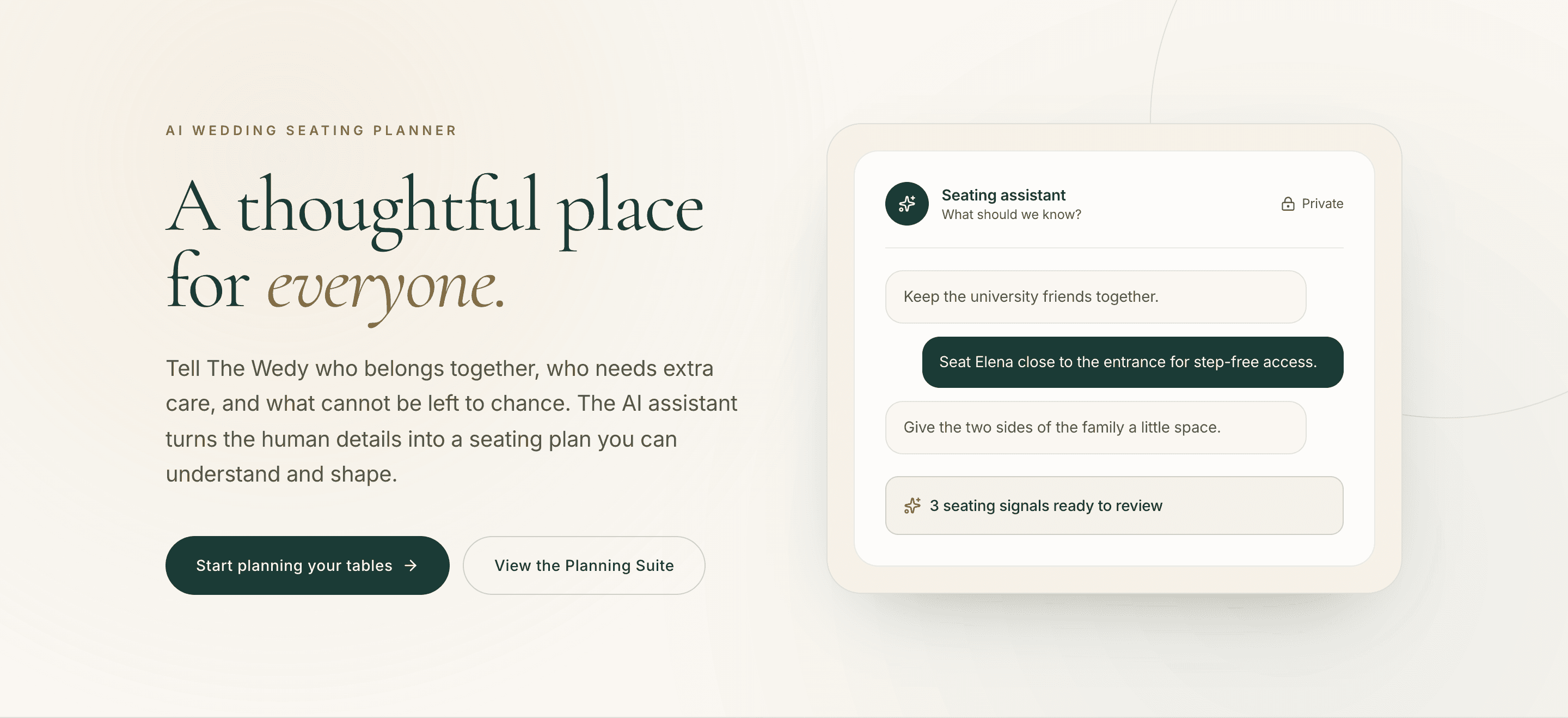
The seating assistant asks a simple question: What should we know? You write the way you would text your sister. The Wedy turns that into seating signals — clear, reviewable statements — instead of hiding the logic inside the model.
Notes that work:
- Keep the university friends together
- Seat Elena close to the entrance for step-free access
- Give the two sides of the family a little space
- The couple’s table stays small
- Do not sit Mark next to the speeches if he is hard of hearing — put him nearer the front
Vague wishes (“make it nice”) do nothing. Specific people, groups and constraints do. The assistant is private. Nothing it finds is saved until you review it. You can edit a signal in place before it is used to generate.

Generate, then treat it as a draft
When the signals are approved, generate a full seating proposal. The Wedy uses the guest list and the context you signed off. It names tables from those signals where it can — Family, University, Friends — and leaves the board editable.
On the seating board you should be able to:
- See open seats at a glance
- Drag a guest to another table
- Lock a seat so regeneration will not move them
- Read why a table was put together, and any warnings
Lock early. If Sofía must stay at table 01, lock her before you ask for another proposal. Unlocked assignments can be replaced. Locked guests stay seated. That is the difference between “help me again” and “undo the one decision that mattered”.

Review the proposal before you share it
- Every attending guest is seated, or the open seats are intentional
- Couples and plus-ones are together
- Accessibility needs landed on the right side of the room
- Locked seats are still where you put them
- No table is a dumping ground for leftover names
- You can say out loud why table 02 exists
Put the tables in the actual room
A list of tables is not a room. Move from the seating board to the floor plan and place what you just decided: round, long or curved tables, the head table, the dance floor, the entrance. Live capacity stays visible — seats versus seated — so you can see a hole without counting by hand.
This is where “Elena close to the entrance” becomes spatial, not just a tag on a card. If the assistant seated her correctly and the table is still at the back of the hall, move the table. The guest stays connected to the seat.

Share the day-of lookup when the plan is stable
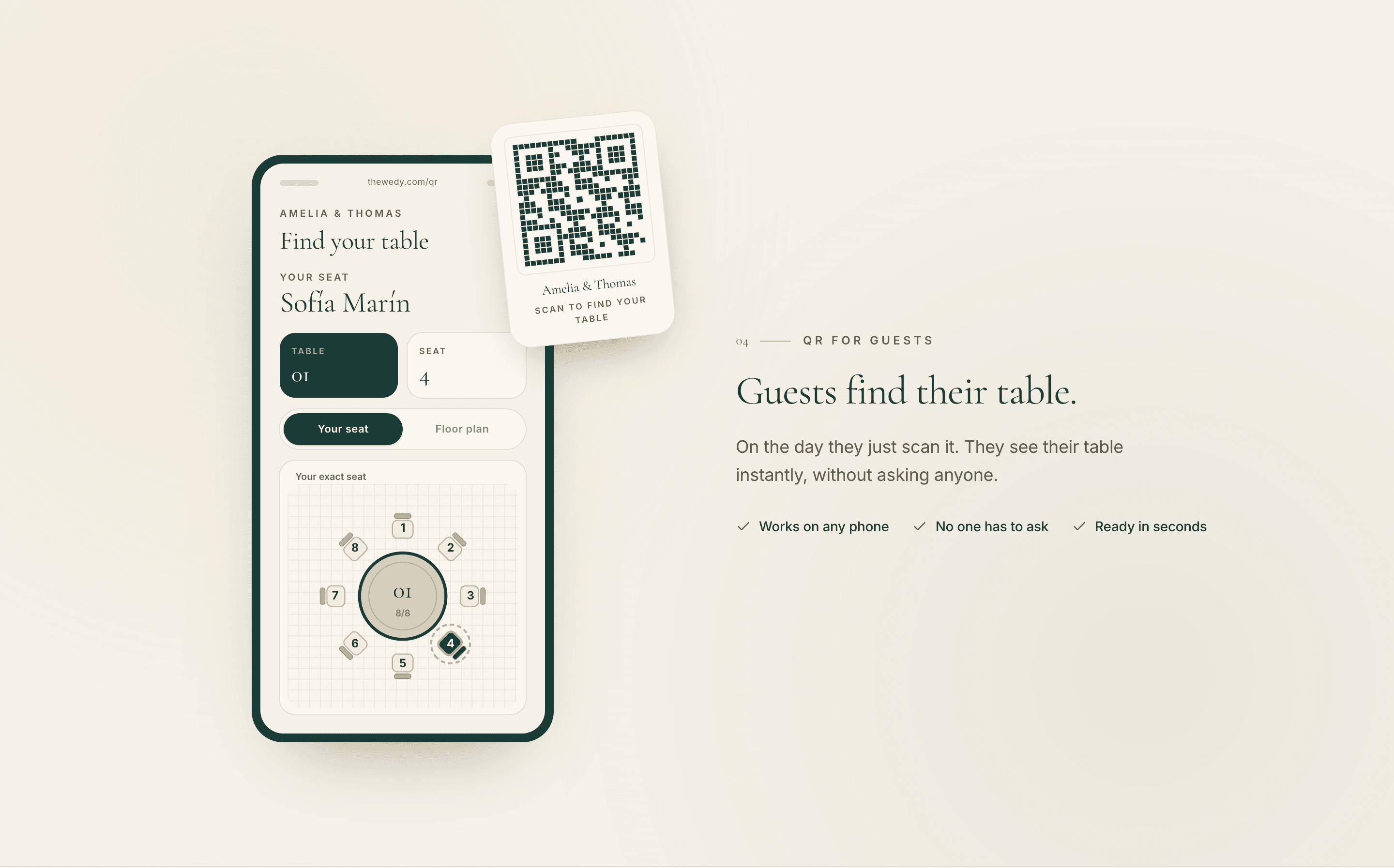
When tables exist in the room, publish Guest lookup and print the QR. Guests scan it, search their name, and see their table and seat. The same information you just edited is what they get — not a second chart.
You can still move people after that. The published QR stays up to date. Place cards should wait until you are close to the final plan, because those do not update themselves.
Which plan includes AI seating
AI seating is included in the Wedding Planning Suite. Wedding Atelier includes the Suite. On the Wedding Invitation plan, add the Seating plan add-on if you want the table tools — including generating a plan from your guest list and signals — without changing the whole package.
Wedding Invitation on its own is the website, invitation and RSVP. That is the right place to start. Seat people when the replies are real enough to be worth arranging.
The short version
Keep the RSVP list clean. Write the human constraints in plain language. Review every signal. Generate a draft. Lock the seats that must not move. Place tables in the room. Print the QR last.
A practical sequence
- 01
Bring in the real guest list
Use confirmed RSVPs, meals, plus-ones and dietary notes already in The Wedy. Do not paste a stale spreadsheet.
- 02
Tell the assistant what matters
Families, friendship groups, accessibility, VIPs and delicate relationships. Approve the signals before they are saved.
- 03
Generate, review and refine
Take the proposal on the seating board. Move people. Lock fixed decisions. Read the warnings.
- 04
Lay out the room and share the QR
Place tables on the floor plan, then publish Guest lookup so guests can find their seat on the day.
Preguntas frecuentes
Does the AI seating planner replace building the plan by hand?
No. It proposes a complete first draft from the guest list and the signals you approve. You still move people, lock seats, rename tables and place the room. The board stays yours.
Will it save notes I have not reviewed?
No. Nothing the assistant finds is saved until you review it. Signals are there to approve, edit or ignore before they shape the plan.
What happens to seats I lock?
Locked guests stay seated when you generate again. Unlocked assignments can be replaced. Lock anyone who must not move before you ask for another proposal.
Do I need a finished floor plan first?
No. Generate tables from people and signals, then move to the floor plan and arrange those same tables around the dance floor, entrances and zones. Guests stay connected to their seats.
Is AI seating included on every plan?
It is included in the Wedding Planning Suite and therefore in Wedding Atelier. On Wedding Invitation, add the Seating plan add-on to unlock the seating tools.
Can wedding planners use it?
Yes. Planners join free. The seating and floor-plan tools are part of the client-ready workspace. Studio adds AI seating generations at volume after the qualifying weddings.
What should I write to the assistant?
Names, groups and constraints: who belongs together, who needs extra care, who should have space. “Keep the university friends together” is useful. “Make everyone happy” is not.
Sigue leyendo
Historias relacionadas
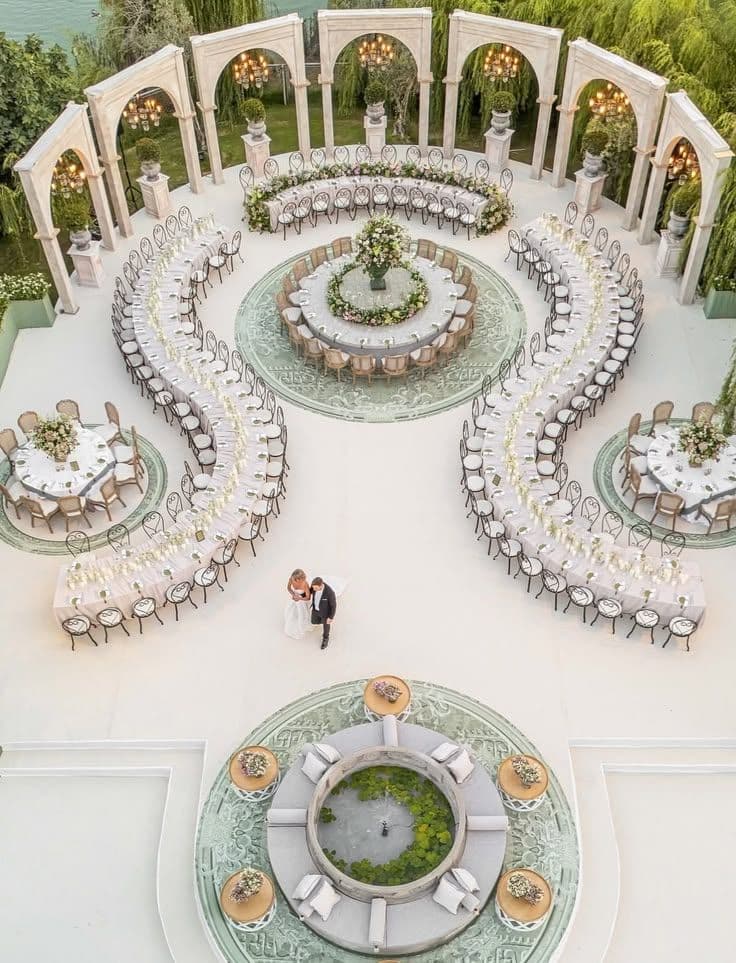
How to Create a Wedding Seating Plan Online Without Losing Your Mind
Creating a wedding seating plan doesn’t have to mean endless spreadsheets, sticky notes and last-minute table changes. Here’s a simpler way to organise your guests and build a seating plan online.
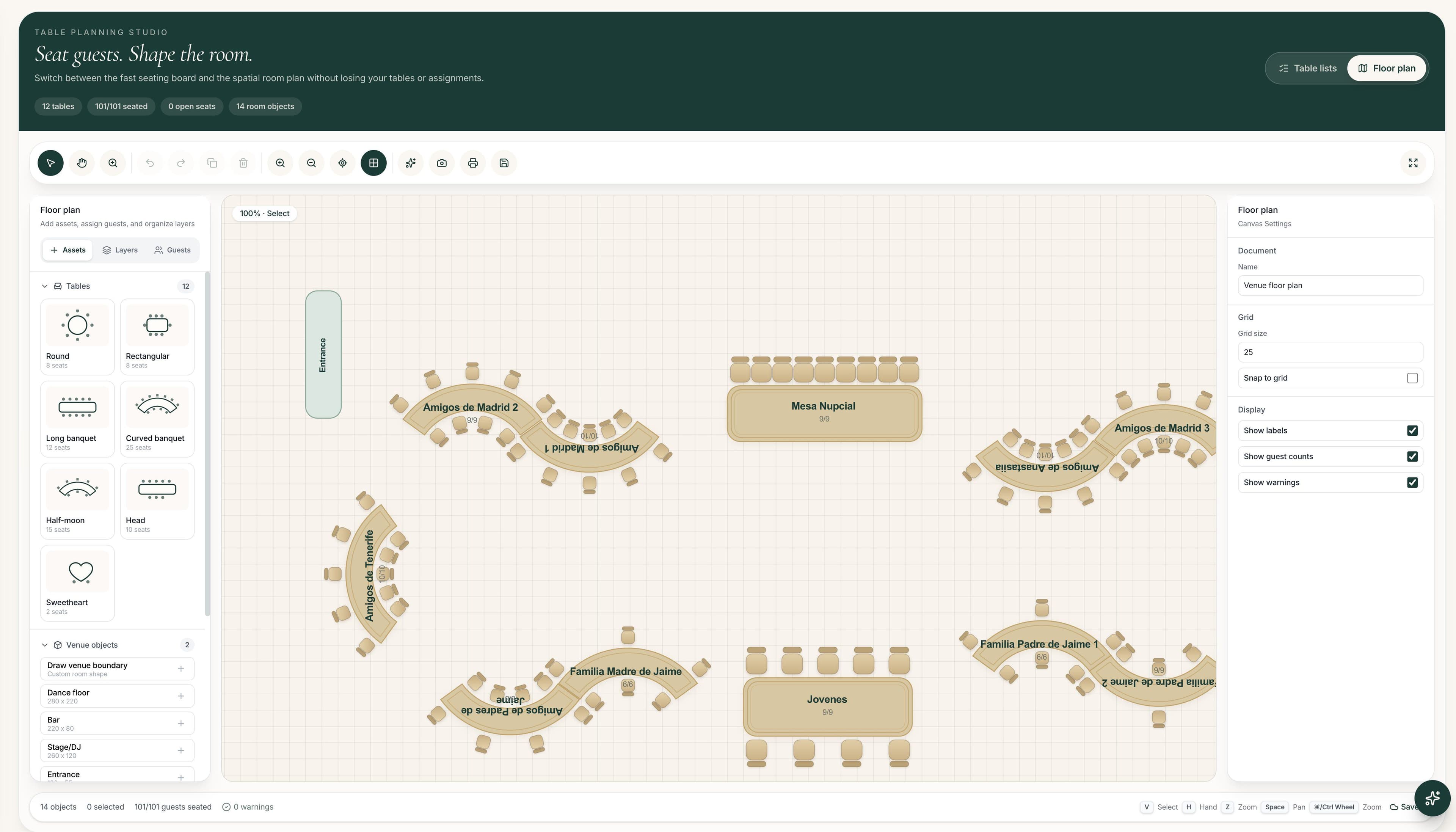
Best Wedding Seating Plan Tools for Couples and Planners in 2026
We compare the best wedding seating plan tools for couples and professional planners, from simple drag-and-drop charts to AI-assisted seating and complete venue floor plans.
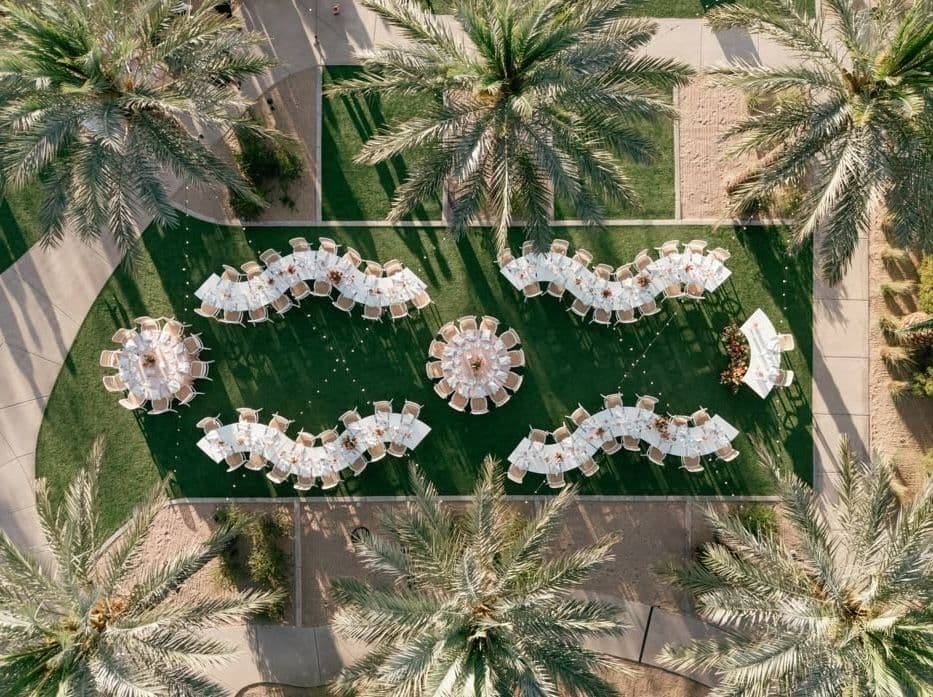
Wedding Seating Plan Ideas for 50, 100 and 150 Guests
Explore wedding seating-plan ideas for 50, 100 and 150 guests — from banquet tables and round layouts to dance-floor placement and practical planning tips.
How Guests Find Their Wedding Table With a QR Code
Print one QR for the wedding. Guests scan it, search their name, and see their table, seat and place in the room — kept in sync with The Wedy seating plan.